
Viral TikTok recipes: how to save, test, and make them healthier with a TikTok Downloader
Save recipe videos, check the nutrition claims, and turn viral ideas into meals you will actually cook
Enjoying this article?Add FoodNourish as a preferred source on Google and see our research-backed guides more often in your search results.
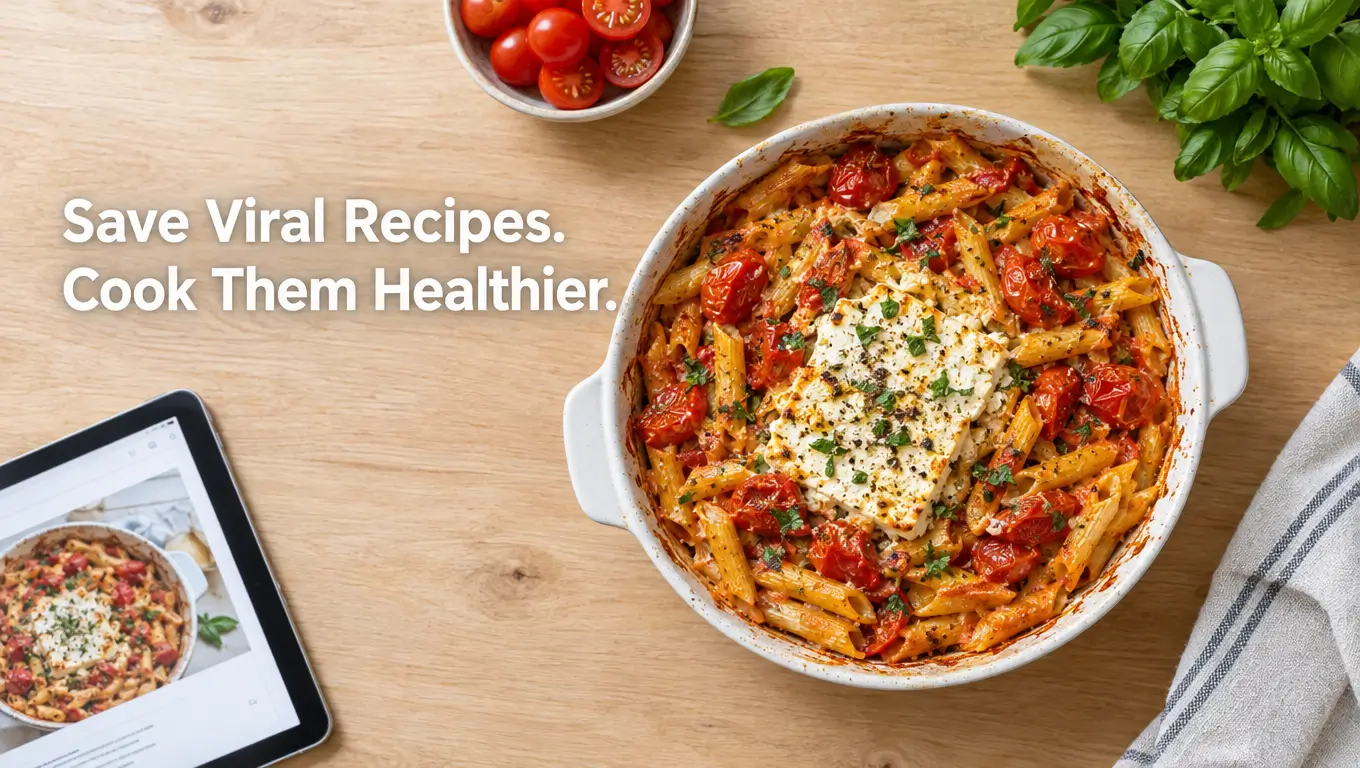
Baked feta pasta, cottage cheese ice cream, high-protein flatbreads: TikTok can turn a home recipe into a weekly staple for millions of people. Many of these ideas are genuinely useful for healthy cooking, but they are hard to cook from when the video loops in your feed and the measurements flash past in a second. A TikTok Downloader lets you save recipe videos as files, so you can pause on every step, check the nutrition claims, and build a meal-prep plan you actually follow.
Why cooking from the feed is frustrating
- Ingredients appear on screen for a moment and then vanish
- Greasy fingers and a touchscreen feed do not mix well
- Recipes get buried among hundreds of other likes
- Kitchen Wi-Fi can be patchy, and posts can be deleted
How to save recipe videos with a TikTok Downloader
Browser-based tools such as SSSTik handle tiktok video download without an extra app or account:
- On the TikTok video, tap Share and choose Copy link.
- Paste the link into the input field on the downloader.
- Select Download and save the MP4 file.
When TikTok offers a watermark-free version, SSSTik links to it directly rather than editing the TikTok watermark out, so on-screen measurements stay readable. Files download in HD when the original upload has it. Saved videos play offline, and you can pause on each step without the app jumping to the next clip.
Write the recipe down
A video is a demonstration, not a recipe card. As you watch your saved file, note the ingredients, amounts, oven temperature, and timings. Check the caption and comments too, where creators often add the details they left out of the video. Name each file to match your notes, such as high-protein-flatbread-2-ingredients.mp4.
Check the nutrition claims
Recipe videos often promise a protein count, low calories, or “no sugar.” Before you rely on those numbers:
- Enter the ingredients and amounts into a nutrition calculator
- Check the labels on the exact products you buy, since brands vary
- Remember that “no refined sugar” can still mean plenty of honey, maple syrup, or dates
- Look at the serving size, which is easy to shrink on camera
Be skeptical of words like “detox,” “fat-burning,” or “cures.” No single recipe has those effects, and a creator selling a supplement in the same video has a reason to overstate them.
Make viral recipes healthier
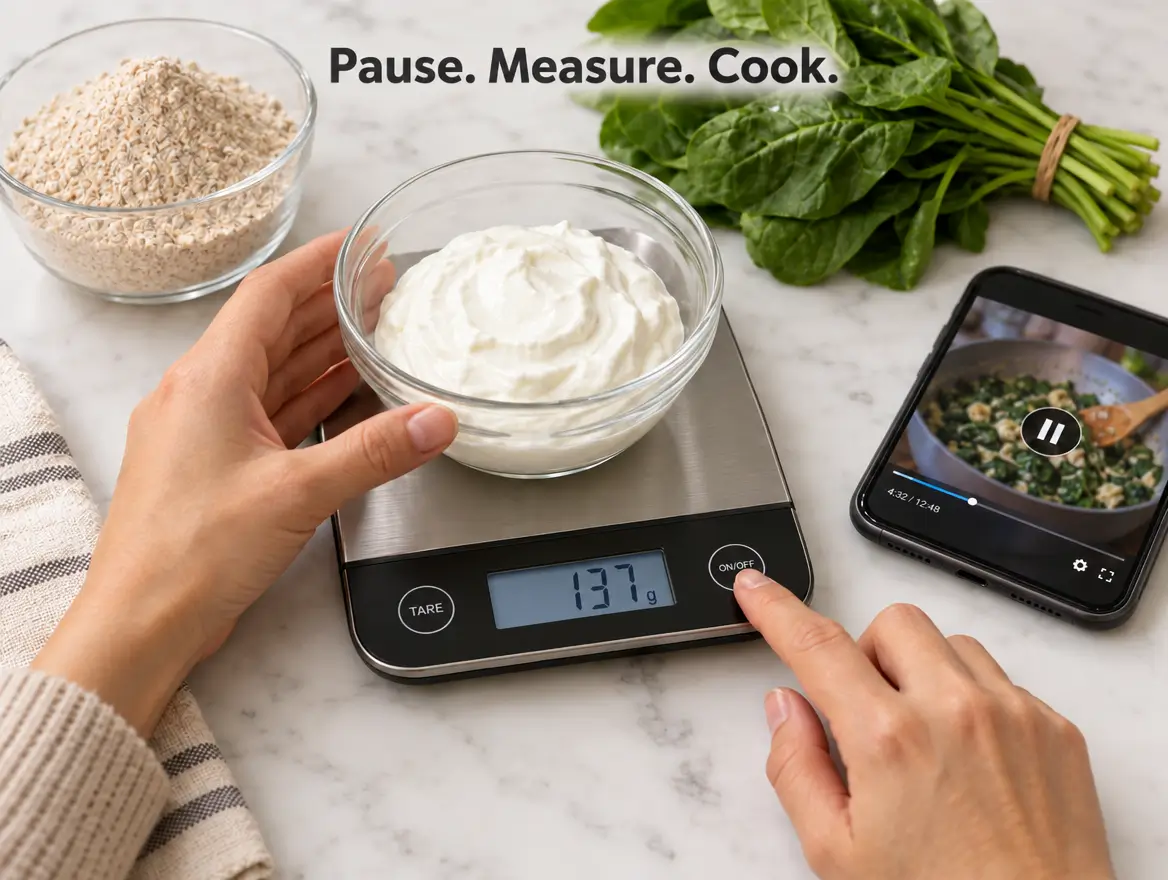
Most viral recipes can be adjusted without losing what made them popular. Swap some pasta for extra vegetables, use Greek yogurt in place of part of the cream, choose whole-grain flour for half the white, or cut the cheese slightly and add herbs for flavor. Test a change on a small batch first.
Build a weekly meal-prep reel
Pick four or five recipes that share ingredients, then join their videos into one short compilation with a free editing app, in the order you will cook them. Add captions with oven temperatures and storage notes. Prop your tablet up on the counter on prep day and work through the reel from start to finish.
Skip unsafe food trends
Not every viral idea belongs in your kitchen. The FDA has warned against a trend of cooking chicken in cold medicine, and other hacks undercook meat or eggs or leave food at room temperature for too long. Follow standard food safety guidance on cooking temperatures and storage, whatever a video suggests.
Credit the cook
Saved recipe videos are for your own cooking. Downloading a video does not change who made it, so ask before reposting a creator’s clip, and credit them if you share your version.
Saving recipes from Facebook and X
Recipe videos are popular on other platforms too. fget.io saves Facebook videos with a similar paste-and-download process, and SSSTwitter does the same for public videos on X.
